Stylized vs. Realistic 3D Art: Which Design Style Works Best?
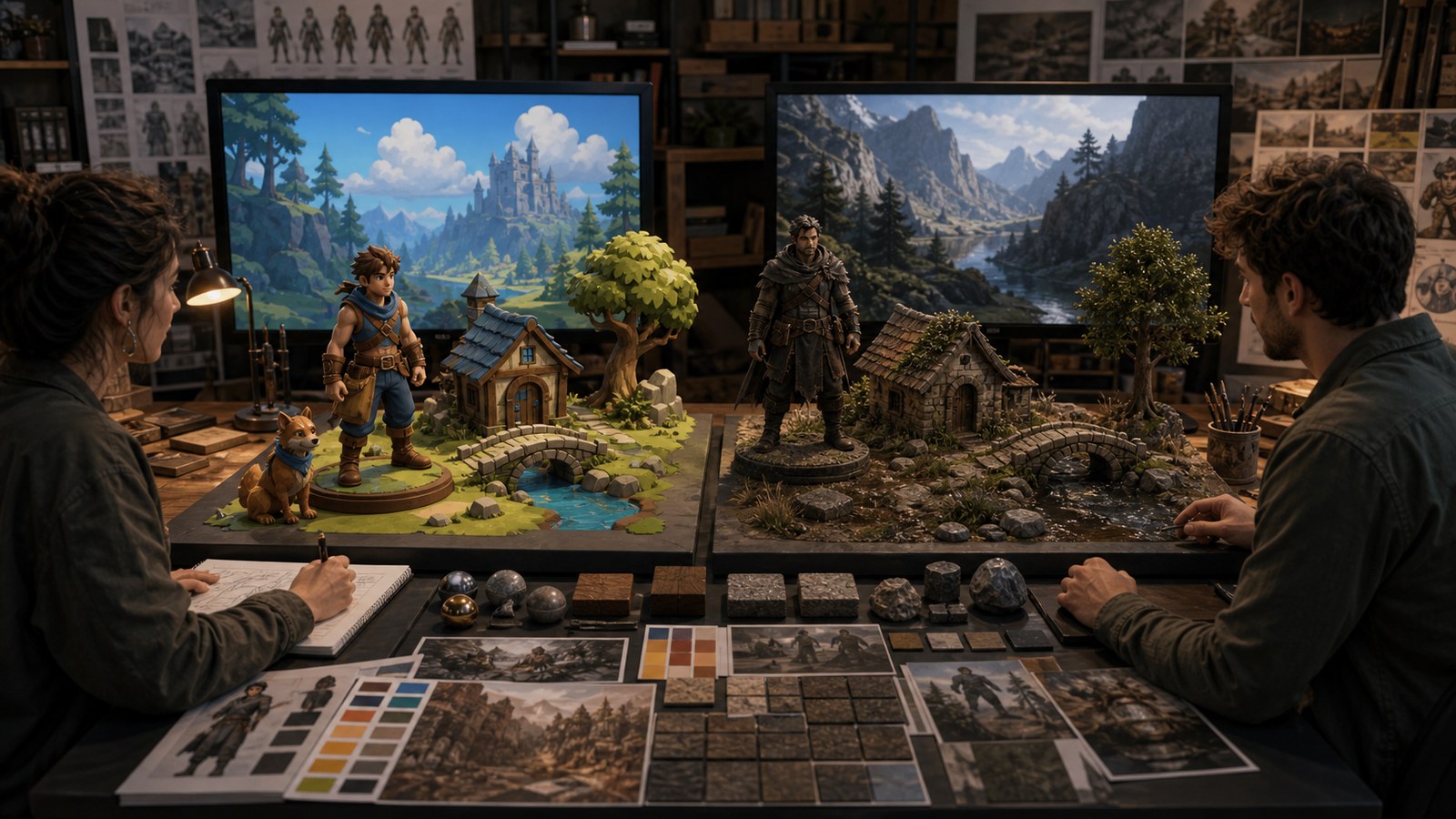
Stylized and realistic 3D art both work when they fit the game’s audience, mechanics, budget, readability needs, platform, and production pipeline.

Where Imagination Takes Shape
Stylized and realistic 3D art both work when they fit the game’s audience, mechanics, budget, readability needs, platform, and production pipeline.
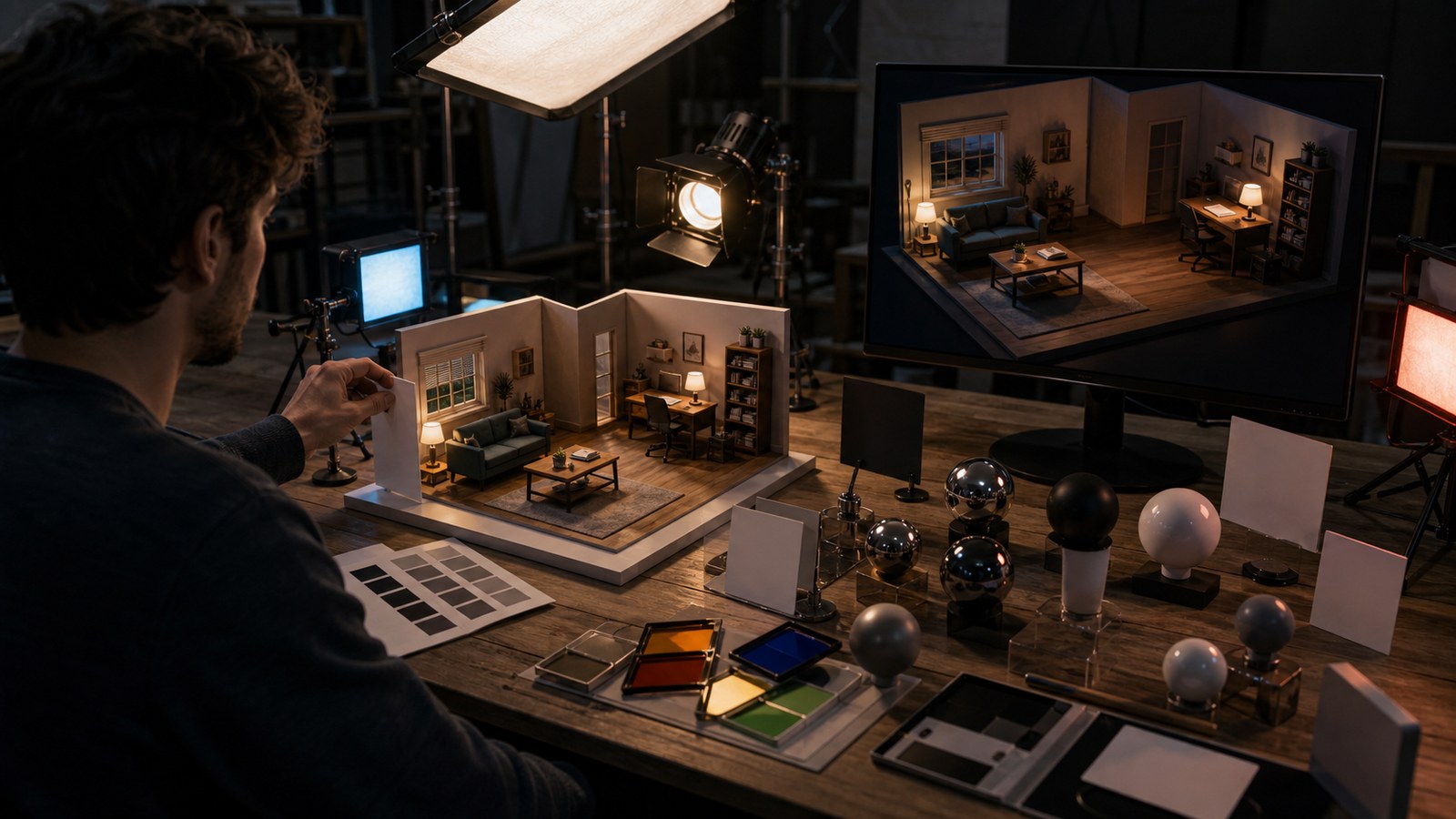
Blender lighting creates stronger renders through key lights, fill, rim light, HDRIs, area lights, color, shadows, exposure, composition, and render testing.
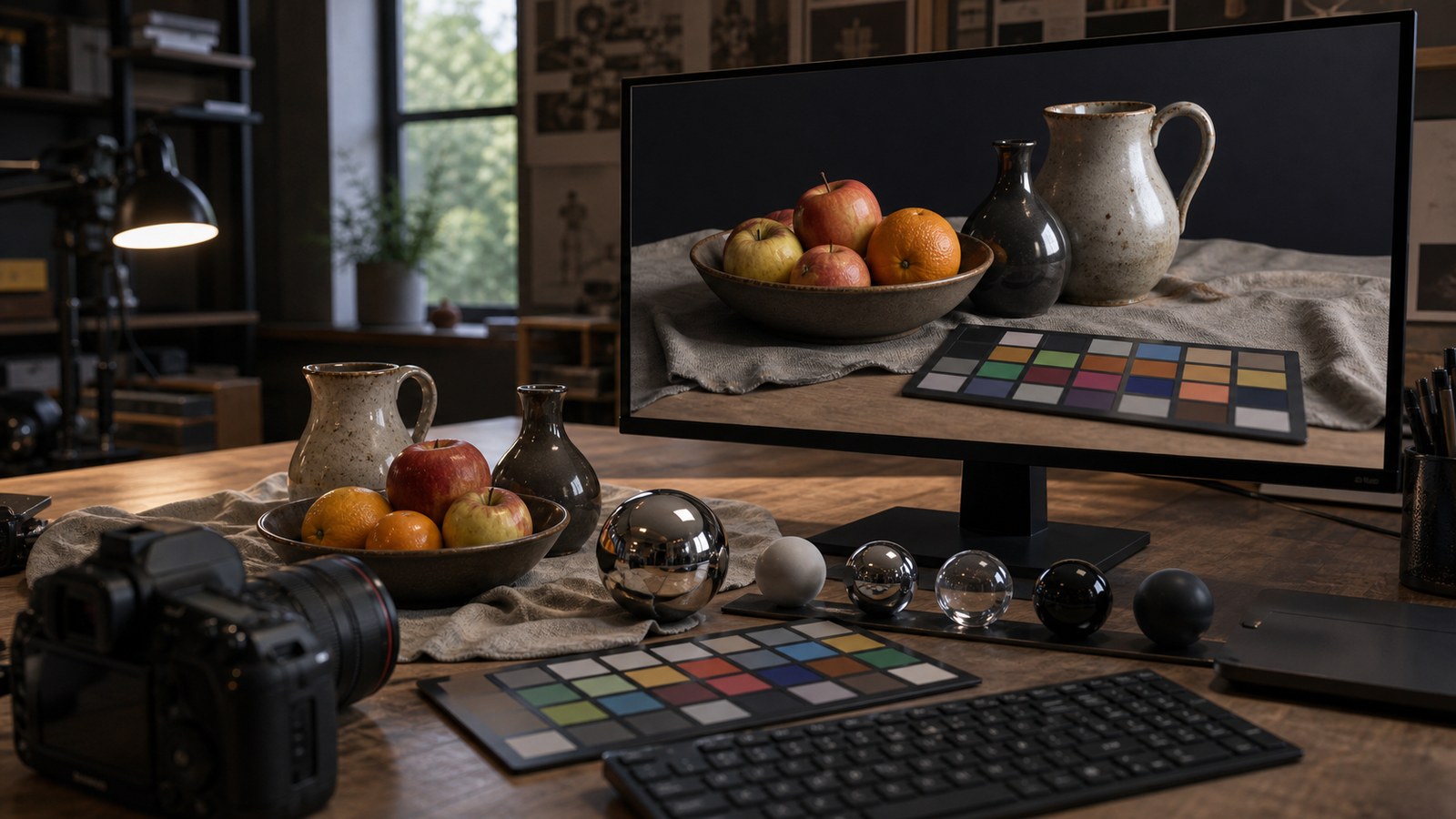
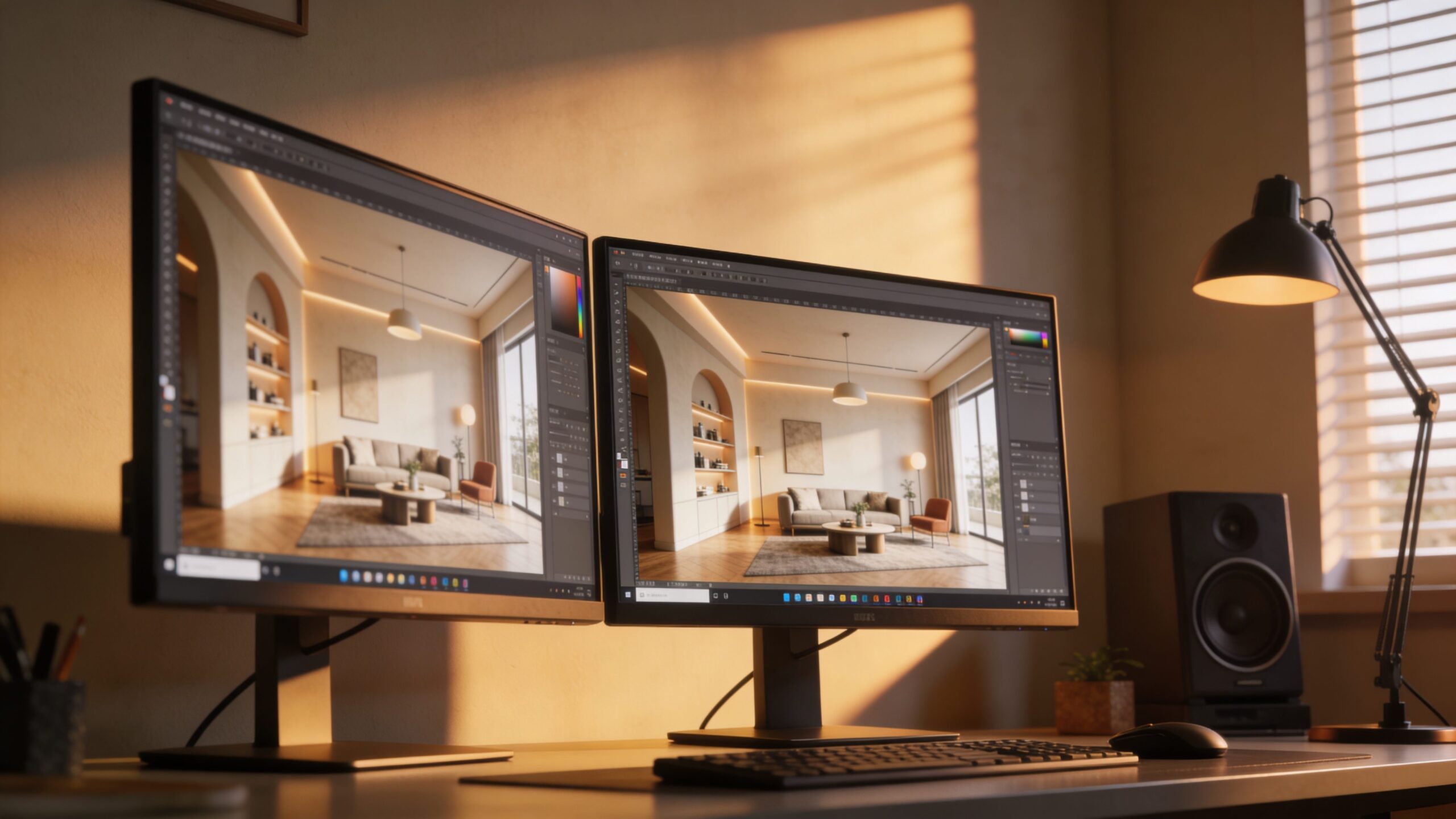
Photorealistic 3D rendering depends on real-world reference, lighting, materials, cameras, scale, composition, sampling, color management, and post-processing.
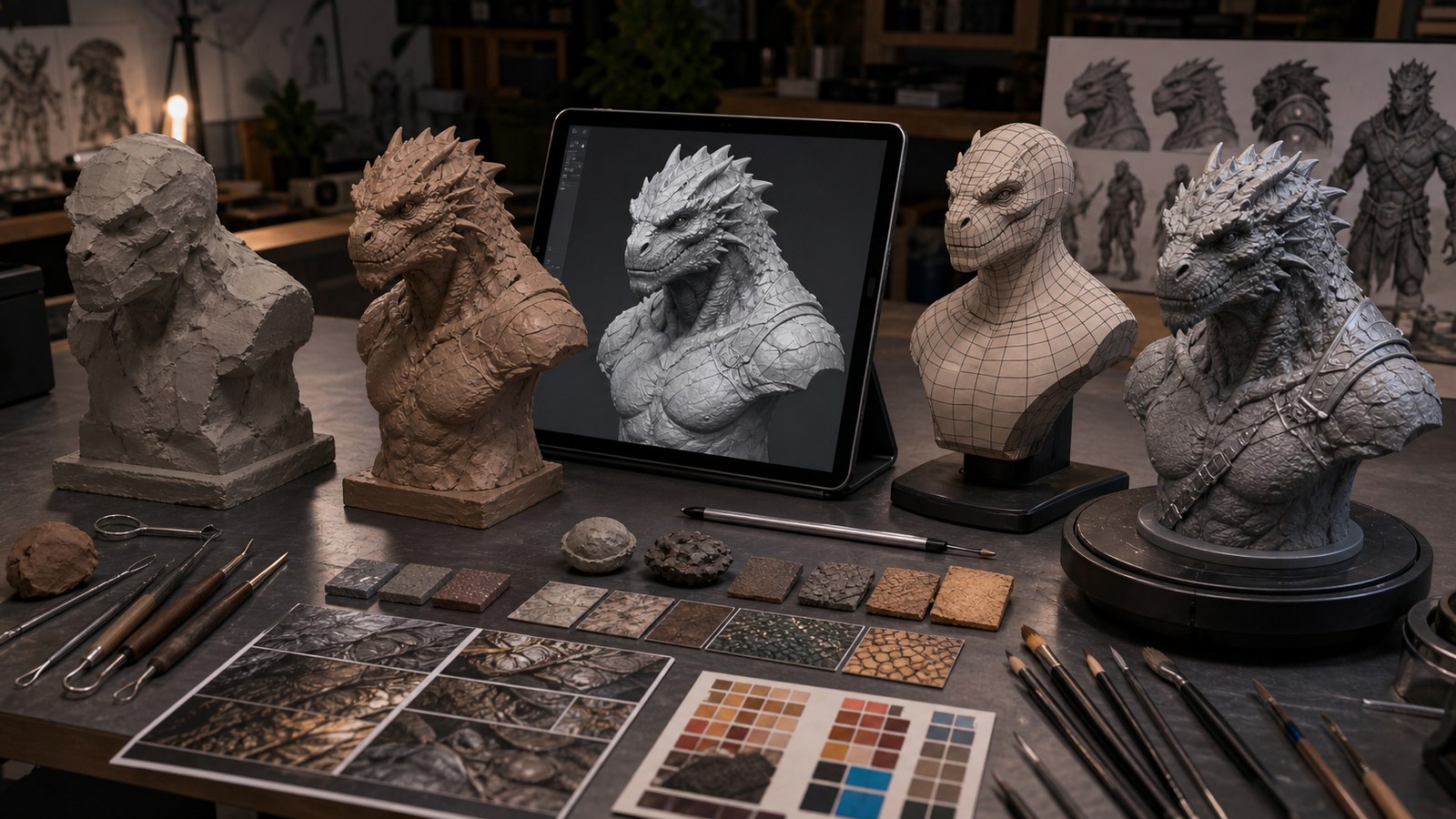
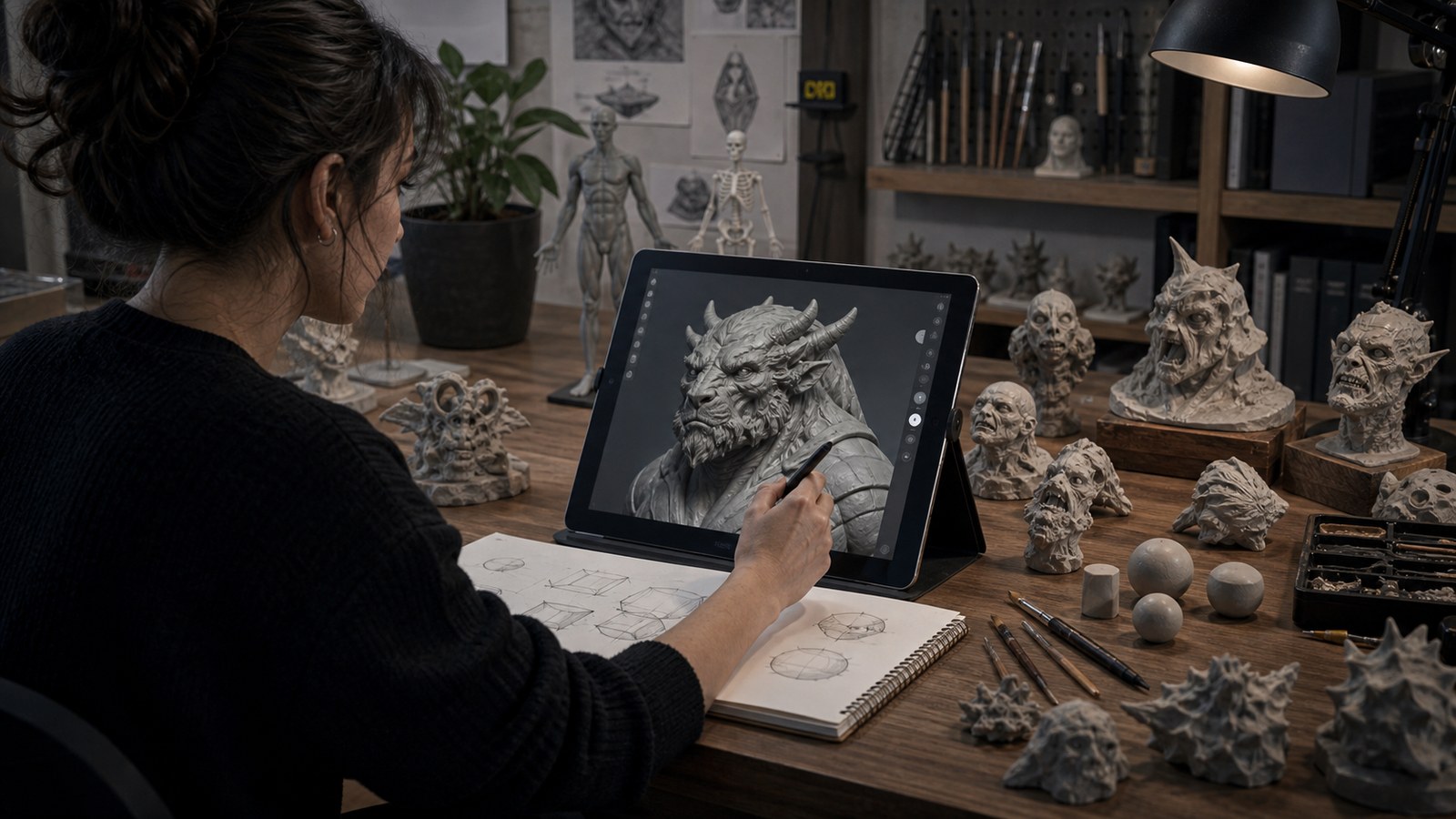
A complete 3D sculpting workflow moves from reference and blockout to primary forms, refinement, detail, retopology, materials, rendering, and review.
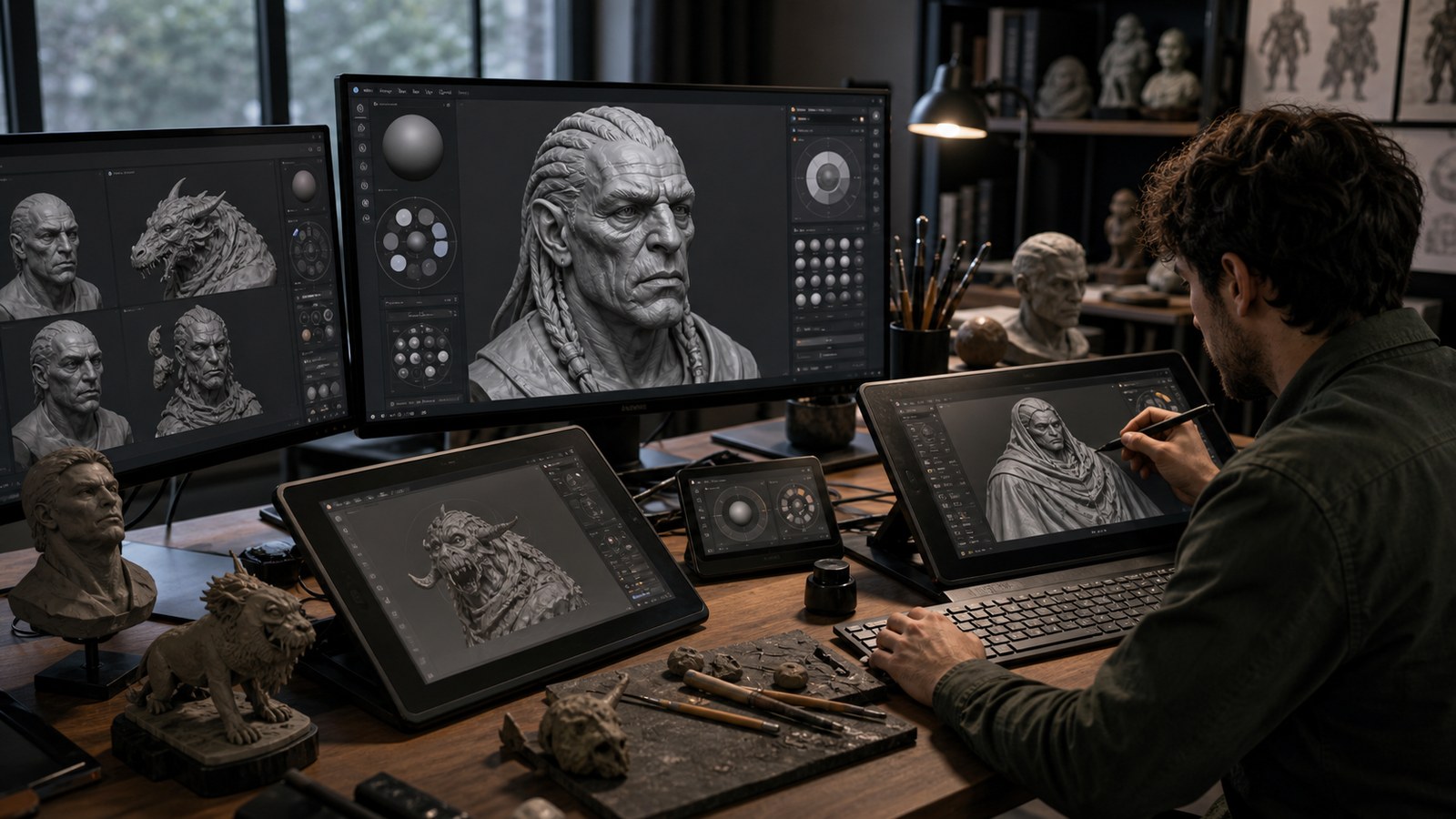
The best digital sculpting software in 2026 depends on workflow, budget, platform, brushes, modeling tools, retopology, rendering, and production needs.
Beginner digital sculpting mistakes usually come from weak primary forms, rushed detail, poor reference, ignored anatomy, messy brushes, and skipped review.
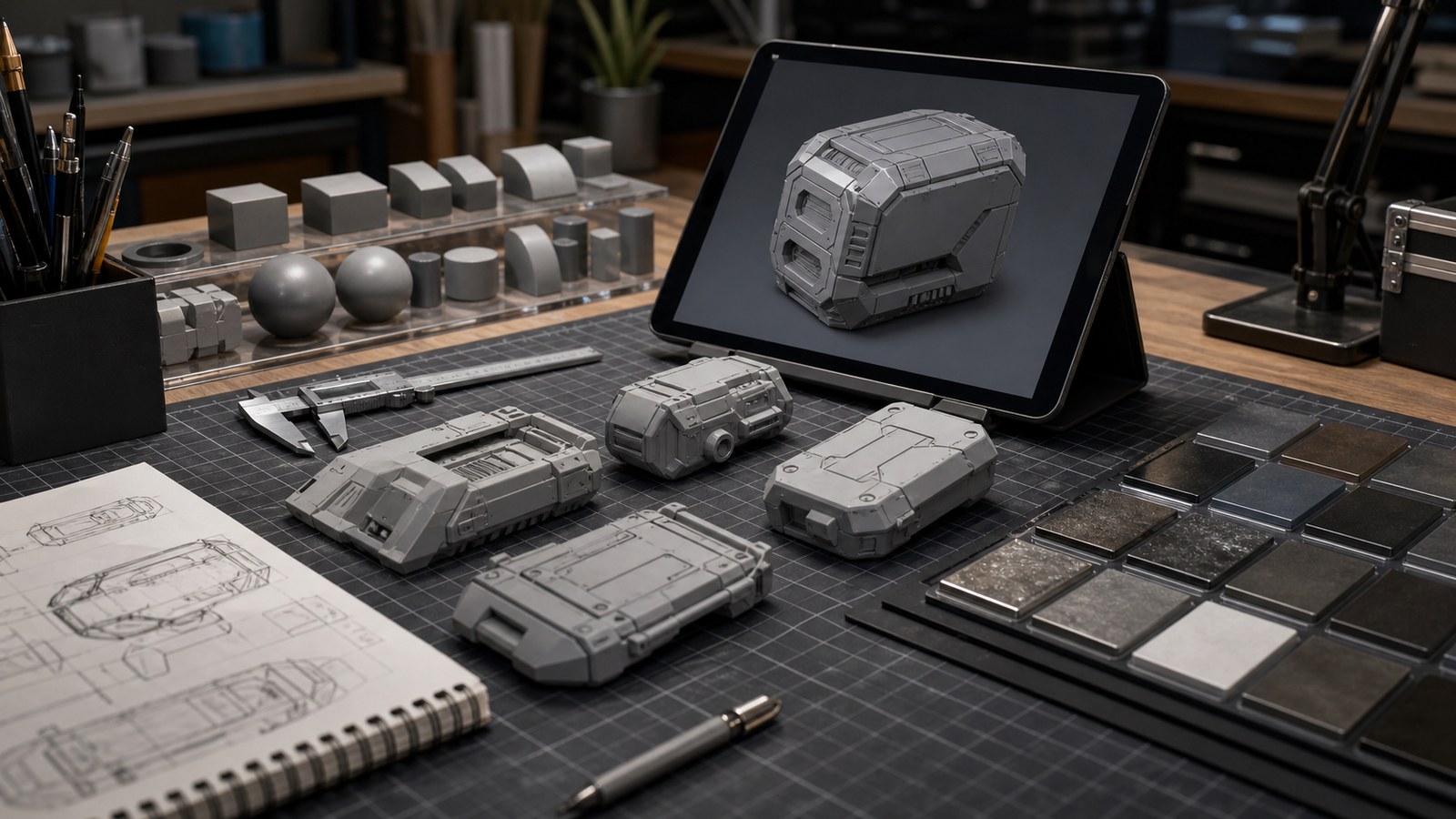
Hard surface modeling for beginners starts with clean forms, bevels, topology, reference, boolean workflows, materials, scale, details, and practice projects.
Great 3D lighting turns a model into a moment. This beginner-to-pro guide shows how to shape mood, realism, depth, and drama using practical lighting techniques artists can apply across Blender, Maya, Unreal Engine, Cinema 4D, and other 3D tools.
Lighting is the soul of every great 3D render. From subtle shadows to dramatic highlights, discover the techniques professionals use to create stunning realism and cinematic depth. Whether you’re working in Blender, Unreal, or Maya, this guide unlocks the secrets to lighting that transforms ordinary scenes into unforgettable visual experiences.
ZBrush can feel intimidating—until you learn a simple, repeatable sculpting loop. This beginner tutorial walks you through starting a character from basic shapes, using Dynamesh for freedom, building forms in clean passes, and finishing with readable facial features and polish—so your first sculpt looks intentional, not accidental.
New to Blender sculpting? This complete beginner walkthrough shows you how to set up Sculpt Mode, choose the right brushes, manage topology with Dyntopo or Voxel Remesh, and use masks and Face Sets to stay in control—so you can finish a clean, readable first sculpt without getting overwhelmed.
Digital sculpting gets easier when you truly understand the core tools. This guide explains the essential brushes and workflows—remeshing, masking, layers, alphas, and polish passes—so you can sculpt faster, fix forms confidently, and build professional results without drowning in endless options.